Amazon A+ Content Image Sizes & Specifications [2026 Updated]
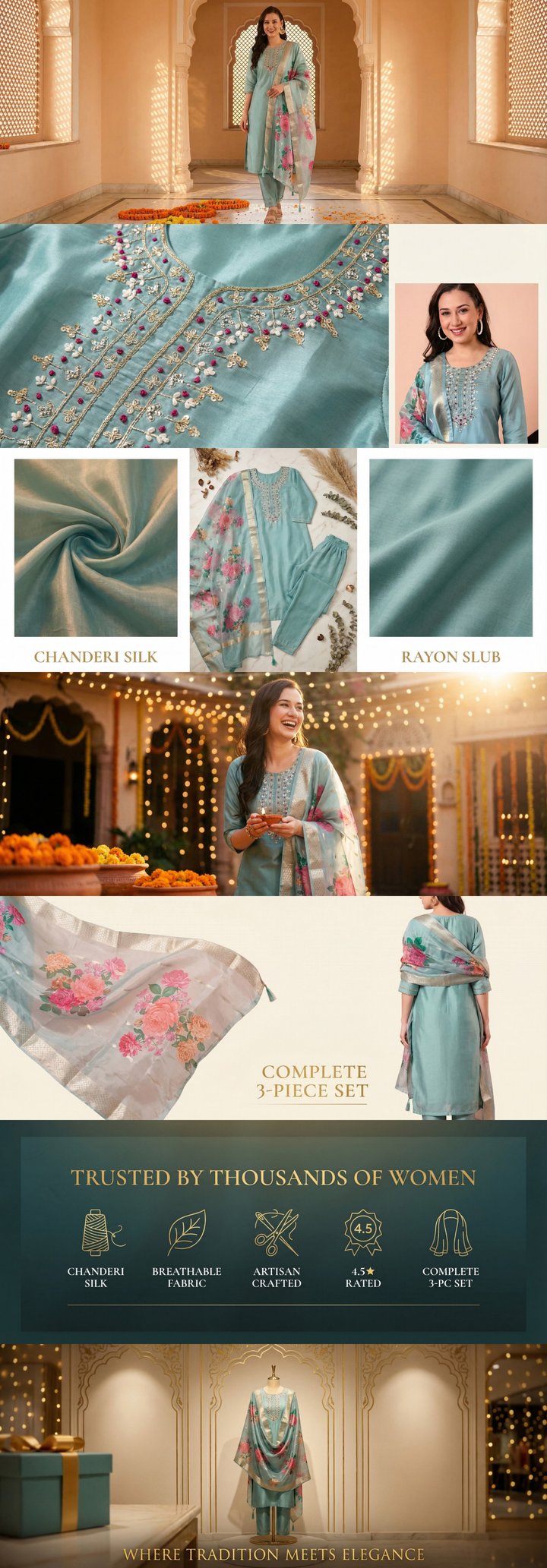 Built by zonfy in 90 seconds
↑ Real output. Try it free →
Table of contents
Why Image Dimensions Matter
Getting Amazon A+ Content image sizes wrong is one of the most common reasons for content rejection. Amazon's system validates image dimensions at the pixel level — an image that is 969x600 instead of 970x600 will be rejected outright.
Beyond compliance, correct image sizing ensures your content displays properly across all devices. An image designed at the wrong aspect ratio will either be cropped, stretched, or surrounded by white space, all of which undermine the professional presentation you are trying to achieve.
This guide covers every A+ Content module type with exact pixel dimensions for both Basic and Premium A+ Content, updated for 2026.
General Image Requirements
Before diving into module-specific dimensions, these requirements apply to all A+ Content images:
| Requirement | Specification |
|---|---|
| File format | JPEG (.jpg) or PNG (.png) |
| Color mode | RGB (not CMYK) |
| Resolution | 72 DPI (standard web) |
| Maximum file size | 2 MB recommended, 5 MB maximum |
| Minimum dimensions | Varies by module (see below) |
| Background | White (#FFFFFF) backgrounds recommended for product images |
Important notes on file format selection:
- Use JPEG for photographs and images with gradients. JPEG offers better compression for photographic content, keeping file sizes manageable without visible quality loss.
- Use PNG for images with text overlays, logos, or graphics that require transparency or sharp edges. PNG preserves text clarity better than JPEG.
- Never use GIF, WEBP, TIFF, or BMP formats. Amazon will reject them.
Try zonfy free
Generate Amazon A+ Content in 90 seconds
7 professional A+ images (1464×600 desktop + 600×450 mobile) sized exactly for Seller Central. Built from your product photos in 90 seconds.
Generate A+ Content →Your first generation is free. No credit card required.
Basic A+ Content Module Dimensions
Basic A+ Content provides a set of standard modules. Each listing can use up to 7 modules. Here are the exact dimensions for every available module type.
Standard Single Image (Module: Standard Image)
This is the most commonly used A+ module. It displays a single full-width image.
| Dimension | Value |
|---|---|
| Width | 970 px |
| Height | 600 px |
| Aspect ratio | Approximately 1.62:1 |
Best used for: hero banners, lifestyle images, feature showcases, and brand story imagery.
Standard Image and Text (Module: Standard Image & Light Text Overlay)
A banner-style module with a wider aspect ratio, suitable for text overlays.
| Dimension | Value |
|---|---|
| Width | 970 px |
| Height | 300 px |
| Aspect ratio | Approximately 3.23:1 |
Best used for: headline banners, tagline displays, and section dividers.
Standard Three-Image Module
Displays three images side by side.
| Dimension | Value |
|---|---|
| Each image width | 300 px |
| Each image height | 300 px |
| Total images | 3 |
Best used for: feature highlights, product variants, or step-by-step sequences.
Standard Four-Image Quadrant
Displays four images in a 2x2 grid layout.
| Dimension | Value |
|---|---|
| Each image width | 220 px |
| Each image height | 220 px |
| Total images | 4 |
Best used for: feature grids, material close-ups, or usage scenarios.
Standard Comparison Chart
A table-style module for comparing product features or variants.
| Element | Dimension |
|---|---|
| Product image | 150 x 150 px |
| Maximum products | 5 columns |
| Maximum features | 10 rows |
Best used for: comparing product variants within your catalog or highlighting feature differences between product sizes, colors, or editions.
Standard Image and Sidebar
A module with a large image on one side and text on the other.
| Element | Dimension |
|---|---|
| Large image | 300 x 400 px |
| Sidebar width | Remaining width (text) |
Best used for: detailed feature explanations with supporting imagery.
Standard Four-Image and Text
Four images with associated text descriptions beneath each.
| Element | Dimension |
|---|---|
| Each image | 220 x 220 px |
| Total images | 4 |
Best used for: feature grids with detailed descriptions, process steps, or benefit highlights.
Standard Image Header with Text
A module featuring a banner image with headline and body text below.
| Element | Dimension |
|---|---|
| Header image | 970 x 600 px |
Best used for: brand introductions or section openers with detailed text follow-up.
Premium A+ Content Module Dimensions
Premium A+ Content modules are wider and more impactful. The key difference is that Premium modules require separate desktop and mobile images at different dimensions.
Full-Width Hero Banner (Module: Premium Hero)
The largest and most visually impactful module available.
| View | Width | Height |
|---|---|---|
| Desktop | 1464 px | 600 px |
| Mobile | 600 px | 450 px |
This is the most important dimension to remember for Premium A+. The desktop image at 1464x600 renders edge-to-edge on desktop browsers, creating a dramatic visual impression.
Best used for: opening hero images that establish brand identity and product positioning.
Standard Premium Module
The workhorse module for Premium A+ Content.
| View | Width | Height |
|---|---|---|
| Desktop | 1464 px | 600 px |
| Mobile | 600 px | 450 px |
Best used for: feature highlights, lifestyle imagery, product details, and brand storytelling.
Premium Comparison Chart
Enhanced comparison module with larger product images.
| Element | Dimension |
|---|---|
| Product image | 150 x 150 px |
| Maximum products | 6 columns |
| Maximum features | 12 rows |
Premium comparison charts support more columns and rows than Basic, and include enhanced styling options.
Premium Video Module
Premium A+ supports embedded video within modules.
| Element | Specification |
|---|---|
| Video thumbnail | 1464 x 600 px |
| Video format | MP4 |
| Maximum duration | 3 minutes recommended |
| Maximum file size | 500 MB |
Premium Navigation Module
Anchor-style navigation that links to sections within your A+ Content.
| Element | Dimension |
|---|---|
| Navigation icon | 166 x 166 px |
| Maximum anchors | 5 |
Best used for: long-form Premium A+ Content where customers need to jump between sections.
Premium Hover Hotspot Module
Interactive module where customers hover over marked areas to reveal information.
| Element | Dimension |
|---|---|
| Base image (desktop) | 1464 x 600 px |
| Base image (mobile) | 600 x 450 px |
| Hotspot icon | 60 x 60 px |
Best used for: detailed product anatomy, feature callouts on the product itself, or interactive product exploration.
Mobile Rendering Guidelines
With over 70% of Amazon traffic coming from mobile devices, optimizing for mobile display is essential.
How Amazon Renders A+ Content on Mobile
Basic A+ Content: Amazon automatically scales down your 970px-wide images to fit mobile screens (typically around 360-414px wide). No separate mobile images are required, but you need to ensure your content remains readable when scaled down.
Premium A+ Content: Amazon uses your separate mobile images (600x450px) rather than scaling the desktop versions. This gives you control over how content appears on mobile, but it also means you need to design and upload two versions of every image.
Mobile Design Best Practices
Text size within images: Any text rendered as part of the image (not HTML text) should be at least 30px in your source file for Basic A+ and at least 24px for Premium A+ mobile images. Below these sizes, text becomes unreadable on phone screens.
Contrast and readability: Mobile screens are often viewed in varying lighting conditions. Use high contrast between text and backgrounds. Avoid light gray text on white backgrounds or dark text on dark image areas.
Critical information placement: Keep the most important information in the center of the image. Mobile scaling can sometimes clip edges slightly, and users naturally focus on the center of their screen.
Testing your mobile rendering: Before submitting, use Seller Central's preview function to check how your A+ Content renders on the simulated mobile view. Better yet, access your live listing on an actual phone after approval to verify the experience.
Image Optimization Tips
Compression Without Quality Loss
Large file sizes slow page loading and can cause display issues. Here are guidelines for optimal compression:
- JPEG quality setting: Export at 80-85% quality. This provides excellent visual quality while keeping file sizes well under the 2MB recommendation.
- PNG optimization: If using PNG, run images through a compression tool like TinyPNG before uploading. PNG files can be 3-5x larger than JPEG for photographic content.
- Resolution: Always design at exactly 72 DPI. Higher resolution images offer no benefit on web displays and only increase file size.
Color Accuracy
- Design in sRGB color space for consistent rendering across devices.
- If converting from CMYK (common if you are working with print-ready files from a designer), verify colors after conversion. CMYK-to-RGB conversion can shift vibrant colors.
- Test your images on multiple devices if color accuracy is critical for your brand.
Working with Templates
If you are designing A+ Content from scratch, create templates at the exact module dimensions. Working at larger sizes and scaling down introduces compression artifacts and can cause dimension mismatches.
Tools like zonfy generate images at exact Amazon-spec dimensions (1464x600 for Premium desktop, 600x450 for mobile), eliminating any sizing or scaling concerns. This is particularly useful when managing multiple SKUs where manually checking dimensions for dozens of images becomes impractical.
Quick Reference Summary
Basic A+ Content
| Module | Dimensions |
|---|---|
| Standard Image | 970 x 600 px |
| Light Text Overlay | 970 x 300 px |
| Three-Image | 300 x 300 px each |
| Four-Image Quadrant | 220 x 220 px each |
| Comparison Chart Image | 150 x 150 px |
| Image & Sidebar | 300 x 400 px |
Premium A+ Content
| Module | Desktop | Mobile |
|---|---|---|
| Hero Banner | 1464 x 600 px | 600 x 450 px |
| Standard Module | 1464 x 600 px | 600 x 450 px |
| Hotspot Base | 1464 x 600 px | 600 x 450 px |
| Video Thumbnail | 1464 x 600 px | -- |
| Navigation Icon | 166 x 166 px | -- |
| Comparison Chart | 150 x 150 px | Same |
File Format Quick Reference
| Factor | Recommendation |
|---|---|
| Product photos | JPEG, 80-85% quality |
| Text-heavy graphics | PNG |
| Color mode | RGB, sRGB color space |
| Resolution | 72 DPI |
| Max file size | 2 MB (recommended) |
Bookmark this page for quick reference when creating your next A+ Content set. For a broader overview of A+ Content strategy and best practices, read our complete guide to Amazon A+ Content.